
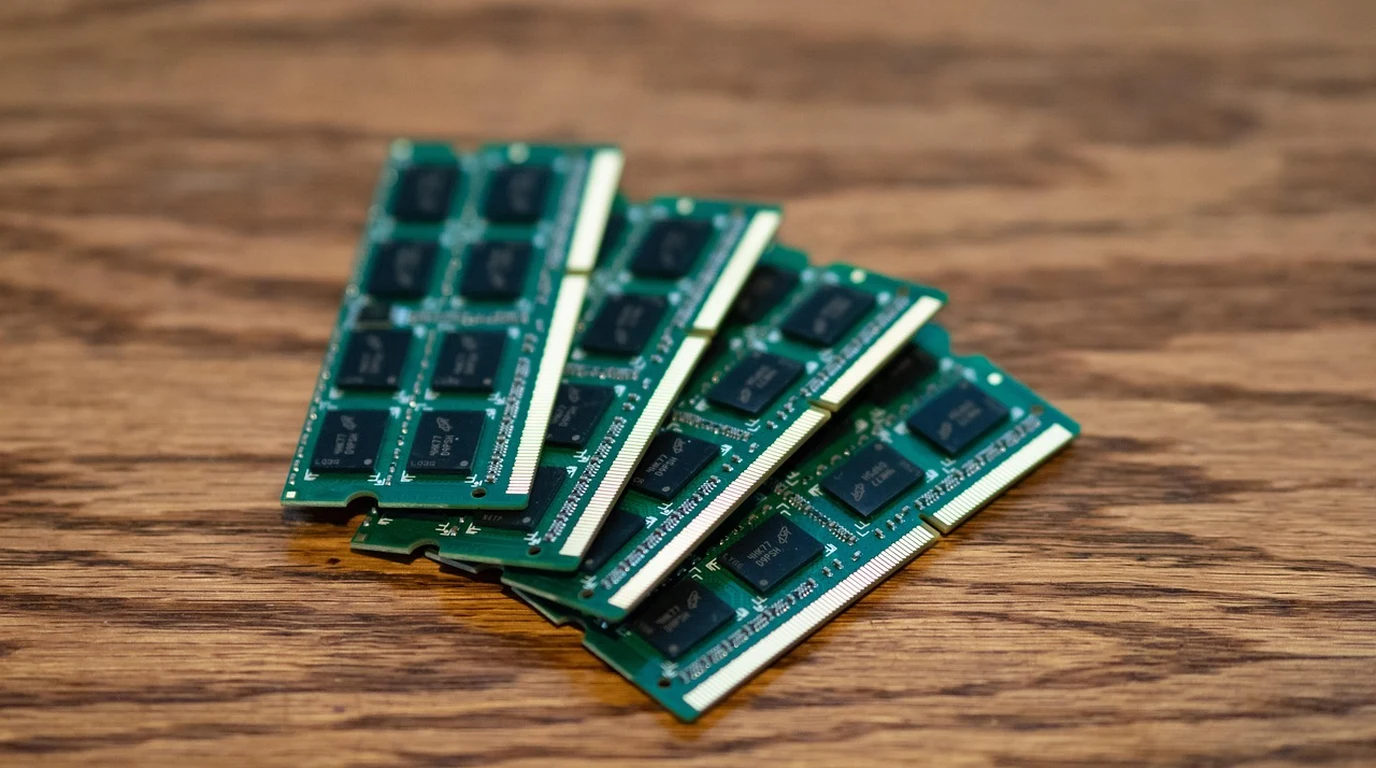
It is 3:14 AM on a Tuesday, and your phone is screaming. PageDuty is throwing high-severity alerts because your primary PostgreSQL node just disappeared from the cluster. You shell into the box, pull up `dmesg`, and there it is in brutal, plain text: `Out of memory: Kill process 18432 (postgres) score 892 or sacrifice child`.
You scramble to check system metrics. The machine is a dedicated bare-metal database host with 256 GB of RAM. You carefully configured PostgreSQL’s `shared_buffers` to 64 GB—a sensible 255% of system memory. So how on earth did a system with nearly 180 GB of unallocated head room trigger the Linux Out-Of-Memory (OOM) killer?
Welcome to the ZFS double-caching trap. By default, OpenZFS on Linux assumes it owns the entire storage stack and allocates up to 50% of host RAM to its Adaptive Replacement Cache (ARC). When you pair ZFS with a relational database like PostgreSQL or MySQL—which aggressively manages its own memory buffer pool—you create an unmanaged tug-of-war for physical RAM. Unless you explicitly tune ZFS ARC eviction and record sizing, this silent conflict will eventually trigger page-eviction thrashing, latency spikes, or catastrophic OOM process termination.
Direct Practical Verdict:
To prevent database OOM terminations on ZFS, cap `zfs_arc_max` in `/etc/modprobe.d/zfs.conf` to 20–25% of host RAM, allocate 50% to your database buffer pool (e.g., PostgreSQL `shared_buffers` or InnoDB `innodb_buffer_pool_size`), and set the dataset `recordsize` to match your database page size (8k for Postgres, 16k for InnoDB).
Why Does the Linux OOM Killer Keep Terminating Databases on ZFS?
To understand why this crash happens, we have to look under the hood at how memory managers interact. When hosting a database engine on a traditional filesystem like Ext4 or XFS, the engine reads data blocks from disk into its dedicated application buffer pool (such as PostgreSQL’s `shared_buffers` or InnoDB’s `innodb_buffer_pool_size`). The Linux kernel also caches unmanaged file blocks in the Linux OS Page Cache. When system memory gets tight, the Linux kernel’s virtual memory subsystem (`kswapd`) rapidly reclaims clean OS page cache frames with negligible performance overhead. ZFS does not use the standard Linux OS Page Cache. ZFS was originally architected for Solaris and ported to Linux via the Solaris Porting Layer (SPL). It implements its own caching architecture: the Adaptive Replacement Cache (ARC). The ARC is vastly superior to a standard Least Recently Used (LRU) cache because it dynamically balances between Most Recently Used (MRU) and Most Frequently Used (MFU) data structures. However, because the ARC resides in kernel space managed via custom SLAB/kmem allocators outside the standard Linux page frame tracking system, the Linux page frame reclaim engine cannot instantly evict ARC pages during sudden memory spikes. “` +——————————————————-+ | PHYSICAL HOST RAM | +——————————————————-+ | +————————+————————+ | | v v +————————+ +——————+ | DATABASE BUFFER POOL | | ZFS ARC CACHE | | (PostgreSQL/InnoDB) | | (Kernel SLAB) | | – 50% Host RAM | | – 50% Host RAM | | – Uncompressed Pages | | – Compressed | +————————+ +——————+ | | +——————-+ +——————-+ | | v v +———————————+ | DOUBLE CACHING CONFLICT | | – Same data cached twice | | – 100% RAM allocated | | – ZERO room for work_mem or | | OS process allocations | | –> OOM KILLER FIRED! | +———————————+ “` This structural mismatch creates two critical failure modes: 1. **The Double Caching Trap:** When PostgreSQL or InnoDB requests a block from storage, ZFS reads the record from disk and caches it inside the ARC. The database engine then receives the block and caches it inside its own internal buffer pool. The exact same data block now resides in physical RAM twice. If your DB pool is set to 50% of RAM and ZFS ARC claims its default 50%, your entire physical memory space is completely exhausted before taking into account OS overhead, backend process connections, or query sorting buffers (`work_mem`). 2. **Eviction Latency Asymmetry:** When a database backend suddenly allocates memory for a complex hash join or temporary sort, Linux experiences an immediate memory pressure event. The kernel asks the ZFS ARC shrinker subsystem to drop cached memory. Freeing kernel SLAB memory allocated via SPL is an asynchronous operation. It requires traversing lock structures and releasing complex memory pointers. The kernel’s page allocator cannot wait milliseconds for ARC to shrink; it panics, selects the process consuming the most resident set size (RSS)—which is always your primary database daemon—and terminates it instantly. To illustrate how configurations impact operational safety, let’s examine how default settings compare to tuned database deployments on ZFS.| Parameter / Metric | Default ZFS + DB Config | Optimized PostgreSQL Config | Optimized MySQL/InnoDB Config | Operational Impact |
|---|---|---|---|---|
| zfs_arc_max | 50% of Host RAM | 20% – 25% of Host RAM | 15% – 20% of Host RAM | Prevents SPL kernel memory exhaustion & OOM panics. |
| DB Buffer Pool Size | 50% – 75% of Host RAM | 40% – 50% (`shared_buffers`) | 50% – 60% (`innodb_buffer_pool`) | Eliminates buffer pool fighting and dynamic query OOMs. |
| ZFS recordsize | 128 KiB (Default) | 8 KiB | 16 KiB | Prevents 16x Read/Write amplification and ARC bloating. |
| ZFS primarycache | `all` | `all` OR `metadata` | `metadata` (if pool > 70% RAM) | Eliminates data double-caching; caches dnodes/indexes. |
| vm.swappiness | 60 (Linux Default) | 10 | 10 | Prevents aggressive swapping of DB process pages to disk. |
What Happens When Dataset Recordsize Mismatches Database Block Size?
Sizing your ARC is only half the battle. The most insidious database performance killer on ZFS is block size alignment. By default, ZFS datasets ship with a `recordsize` of 128 KiB. PostgreSQL processes reads and writes in internal 8 KiB page blocks (`BLCKSZ`). InnoDB defaults to 16 KiB page blocks (`innodb_page_size`). Consider what occurs during a random read workload when PostgreSQL running on a default 128 KiB ZFS dataset requests a single 8 KiB block: 1. PostgreSQL requests page `0x00A41` (8 KiB). 2. ZFS intercepting the IO realizes it cannot read an arbitrary 8 KiB chunk out of a 128 KiB block; it must read the **entire 128 KiB record** off disk. 3. ZFS places the entire 128 KiB block into ARC memory. 4. ZFS decompresses the block, extracts the requested 8 KiB chunk, and hands it to PostgreSQL. 5. PostgreSQL stores that 8 KiB chunk in `shared_buffers`. Notice the catastrophic math: to satisfy an 8 KiB database read, you executed **16x Read Amplification** at the storage layer, and consumed **136 KiB of combined RAM** (128 KiB inside ARC + 8 KiB inside `shared_buffers`). “` Default ZFS Block Misalignment (128k recordsize vs 8k DB page): +———————————————————————————+ | ZFS Storage Record: 128 KiB | | +——+——+——+——+——+——+——+——+… …+——+——+ | | | 8k | 8k | 8k | 8k | 8k | 8k | 8k | 8k | | 8k | 8k | | | +——+——+——+——+——+——+——+——+… …+——+——+ | +—-+—————————————————————————-+ | | PostgreSQL requests ONLY this 8 KiB block v [ Read Amplification: 128 KiB pulled into ARC to deliver 8 KiB to DB ] “` The write-side consequences are even worse due to ZFS’s Copy-on-Write (CoW) design. When PostgreSQL modifies an 8 KiB page on a 128 KiB ZFS record: 1. ZFS must perform a **Read-Modify-Write (RMW)** cycle. 2. It reads the full 128 KiB existing record from storage into memory. 3. It updates the specific 8 KiB sector within that block. 4. It writes a *brand-new* 128 KiB record to a new physical location on disk. This results in severe write amplification, random IO latency spikes, dataset fragmentation, and massive ARC churn. Aligning your ZFS dataset `recordsize` directly to the database engine block size is mandatory.How Do You Correctly Configure ZFS ARC and Dataset Parameters for Production?
Let me walk you through the precise production tuning workflow to hard-cap ARC memory usage, align block sizes, and configure optimal kernel parameters. ### Step 1: Calculate Your System RAM Budget Before touching configuration files, execute a strict physical RAM allocation budget using this reference model: * **Host Machine Total RAM:** 128 GB (137,438,953,472 Bytes) * **Database Buffer Pool (50%):** 64 GB * **ZFS ARC Max (25%):** 32 GB (34,359,738,368 Bytes) * **OS Kernel & System Services (10%):** ~12.8 GB * **Database Connection & Sorting Headroom (15%):** ~19.2 GB (`work_mem` * `max_connections`) ### Step 2: Configure Hard Limits for ZFS ARC Memory To hard-cap the ARC in Linux, you must pass module parameters to the `zfs` kernel module at boot or module load time via `/etc/modprobe.d/zfs.conf`. Open or create `/etc/modprobe.d/zfs.conf`: “`bash sudo nano /etc/modprobe.d/zfs.conf “` Add the following parameter directives (calculating bytes explicitly): “`ini # /etc/modprobe.d/zfs.conf # Set ZFS ARC Target Max to 32GB (34,359,738,368 bytes) options zfs zfs_arc_max=34359738368 # Set ZFS ARC Min to 8GB (8,589,934,592 bytes) to prevent complete cache collapse options zfs zfs_arc_min=8589934592 # Disable aggressive prefetching which causes cache pollution on OLTP random access options zfs zfs_prefetch_disable=1 “` Because ZFS module parameters are loaded early during boot, you **must update your initial RAM disk (initramfs)** for these changes to stick across reboots: “`bash # Ubuntu / Debian systems sudo update-initramfs -u -k all # RHEL / Rocky / AlmaLinux systems sudo dracut –force “` To apply the `zfs_arc_max` parameter immediately without rebooting the system, echo the byte value directly into the sysfs kernel runtime interface: “`bash echo 34359738368 | sudo tee /sys/module/zfs/parameters/zfs_arc_max “` Verify that the runtime parameter updated: “`bash cat /sys/module/zfs/parameters/zfs_arc_max “` ### Step 3: Create Optimized ZFS Datasets for Database Engines When creating datasets hosting relational database files, set `recordsize`, `atime`, `logbias`, and `redundant_metadata` prior to placing data into the pool. Changing `recordsize` on an existing dataset only applies to *newly written* blocks. #### Option A: PostgreSQL Optimized Dataset Configuration “`bash # Create dataset for PostgreSQL data directory (8k block size) sudo zfs create -o recordsize=8k \ -o atime=off \ -o logbias=latency \ -o compression=lz4 \ -o redundant_metadata=most \ tank/pgdata # Create separate dataset for PostgreSQL WAL (Write-Ahead Log) # WAL uses sequential, large writes; 64k to 128k recordsize is optimal here sudo zfs create -o recordsize=64k \ -o atime=off \ -o logbias=latency \ -o compression=lz4 \ tank/pgwal “` #### Option B: MySQL / InnoDB Optimized Dataset Configuration “`bash # Create dataset for MySQL InnoDB data files (16k block size) sudo zfs create -o recordsize=16k \ -o atime=off \ -o logbias=latency \ -o compression=lz4 \ tank/mysqldata # Create dataset for MySQL Redo Logs sudo zfs create -o recordsize=64k \ -o atime=off \ -o logbias=latency \ -o compression=lz4 \ tank/mysqliblogs “` ### Step 4: Evaluate the Advanced Cache Strategy (`primarycache`) ZFS exposes a property called `primarycache` on a per-dataset level, which controls what data ARC holds: * `all` (Default): Caches both dataset file payloads and filesystem metadata (dnodes, indirect blocks, directory structures). * `metadata`: Caches *only* filesystem metadata in ARC; ignores data payload
Bare-Metal Storage & Operating System Performance
Provisioning bare-metal servers rapidly requires high-performance local storage and RAM caching. Review our storage tuning guide on Netboot.xyz Bare-Metal Automation: PXE Boot Lab Setup.