
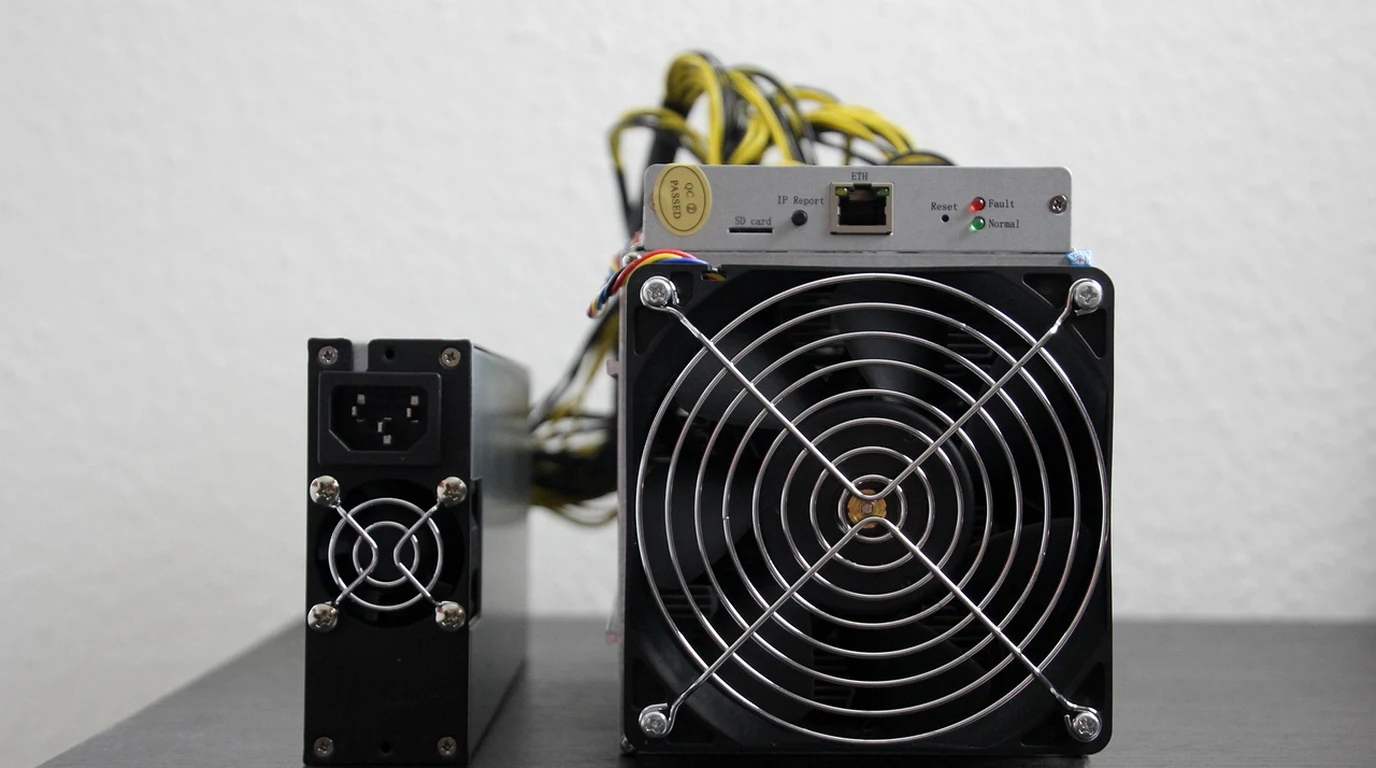
You’re standing in the cold aisle of a Tier III data center, and the sound isn’t just a hum—it’s a scream. That high-pitched, metallic whine of forty-two 1U servers spinning their 40mm counter-rotating fans at 18,000 RPM is more than an acoustic nightmare; it’s a financial leak. I’ve sat with CTOs who couldn’t understand why their metered power bill was 25% higher than their hardware TDP ratings suggested. They accounted for the Dual Xeons and the 512GB of RAM, but they completely ignored the parasitic load of the air movers. In a high-density colocation environment, those fans are often the difference between a profitable rack and a budget-breaking one.
The frustration usually sets in during the first billing cycle. You’ve optimized your code, you’ve undervolted where you could, yet the PDU shows a draw that defies logic. The culprit is the Fan Affinity Laws, a set of fluid dynamic principles that most hardware architects mention in passing but few infrastructure leads truly internalize. When your BMC (Baseboard Management Controller) decides to ramp those fans from a 40% idle to an 80% load, the power draw doesn’t double—it explodes. We are talking about a cubic relationship where a small increase in speed demands a massive surge in wattage.
The data is clear: the smaller the fan, the higher the “RPM penalty.” If you are running 1U gear in a colocation facility that charges $0.15/kWh or more, you are essentially paying a premium for the privilege of making noise. The goal isn’t just to “cool the server”—it’s to move the maximum amount of air with the minimum amount of rotational velocity.
Direct Practical Verdict:
Server fan power consumption scales with the cube of the RPM (P ∝ RPM³). Ramping 1U counter-rotating fans from 6,000 to 18,000 RPM can increase parasitic draw from 20W to 200W per chassis. In a full 42U rack, unoptimized fan curves can waste over $8,000 annually in metered colocation power charges.
Why Does My Server Fan Use More Power Than My CPU at Peak?
It sounds like hyperbole until you see the telemetry. In a standard 1U enterprise server, you’ll typically find a bank of six to eight 40mm fans. These aren’t your desktop Noctua fans; these are high-static-pressure monsters designed to shove air through a dense forest of DIMMs and heatsink fins. At full tilt, a single high-performance 40mm counter-rotating fan (like a Delta GFB series) can pull 25 to 30 watts. Multiply that by eight, and you’re looking at 240W just to move air. The physics behind this is the “Fan Affinity Law.” Specifically, the power required to drive a fan is proportional to the cube of the shaft speed. If you want to double the airflow (CFM) by doubling the RPM, you need eight times the power ($2^3 = 8$). This is why the “last 10%” of cooling is the most expensive energy you will ever buy. When your server hits a thermal threshold and kicks the fans from 12,000 RPM to 15,000 RPM, that 25% increase in speed requires nearly a 95% increase in power. In a colocation setting, where you are billed per kilowatt-hour (kWh) or on a metered circuit, this cubic curve is a silent killer. Most admins assume that if a server is at 50% CPU load, it’s drawing roughly 50% of its max power. But if the thermal profile triggers a “Performance” fan curve, that server might be drawing 80% of its peak power because the fans are overcompensating for localized hotspots. You aren’t just paying for the compute; you’re paying a massive “air tax” because of inefficient fluid dynamics.How Much Does High RPM Airflow Actually Cost in a Co-Lo?
To understand the scale of the waste, we have to look at the “Costly Trap.” The trap is thinking that 1U servers are “space efficient.” While they save rack units, they are thermally inefficient because they require small, high-velocity fans to move the same volume of air that a 2U or 4U server can move with larger, slower, and more efficient fans. A 120mm fan in a 4U chassis can move the same CFM as four 40mm fans while using a fraction of the power, simply because it doesn’t have to fight the same level of friction and turbulence. Let’s break down the math of a typical 42U rack filled with 1U nodes versus 2U nodes. If each 1U server is poorly tuned and runs its fans at 70% duty cycle, you are essentially adding a “phantom server” of power draw every few units.| Chassis Factor | Fan Config & RPM | Avg. Fan Power Draw | % of Total System TDP | Est. Annual Cost (per Rack) |
|---|---|---|---|---|
| 1U High-Density | 8x 40mm @ 16k RPM | 180W – 220W | 25% – 30% | $11,500+ |
| 1U Optimized | 8x 40mm @ 9k RPM | 45W – 60W | 8% – 12% | $3,200 |
| 2U Standard | 4x 80mm @ 5k RPM | 30W – 40W | 5% – 7% | $2,100 |
| 4U Storage/GPU | 3x 120mm @ 3k RPM | 15W – 25W | 2% – 4% | $1,400 |
Can I Manually Override Fan Speeds Without Melting My Hardware?
The short answer is yes, but the “how” requires moving beyond the BIOS GUI. Most enterprise servers from Dell, HPE, and Supermicro ship with “conservative” or “performance” thermal profiles. These profiles are designed to keep the server alive even if the data center AC fails completely. In a modern, well-managed colocation facility with cold-aisle containment, these default profiles are often overkill. We use `ipmitool` to talk directly to the BMC. By sending raw hex commands, we can take control of the Pulse Width Modulation (PWM) signal sent to the fans. However, this is where most people get it wrong: they set a static fan speed (e.g., 20%) and walk away. This is a recipe for a thermal event during a localized workload spike. The professional approach is to modify the thresholds and the slope of the fan curve, not just the static speed. For example, on many Dell PowerEdge servers, you can disable the “Third Party PCIe Card” fan response. If you plug in a non-Dell NIC or NVMe drive, the BMC defaults to “jet engine mode” because it doesn’t know the thermal profile of that card. By using `ipmitool raw 0x30 0x30 0x01 0x00`, you can disable that specific override, instantly dropping your rack’s power draw by hundreds of watts without impacting actual component longevity.The Actionable Playbook: Optimizing Your Rack’s Airflow by 4:00 PM
If you want to stop the bleeding today, follow this sequence. We aren’t just looking for “lower RPM”; we are looking for “thermal efficiency.” 1. Audit the “Bypass Air”: Open your chassis. Look for gaps between the fan bulkhead and the components. If air can take the path of least resistance (around the heatsink instead of through it), your fans have to spin faster to achieve the same cooling. Use high-temp Kapton tape or custom plastic baffling to seal every gap. Every cubic centimeter of air must pass through a fin stack. 2. Identify the “Hot Component” Trigger: Use `ipmitool sensor list` to find which specific component is driving the fan RPM. Often, it’s a single overheating DIMM or a Southbridge chip with a poorly applied thermal pad. If one sensor is at 80°C and the rest are at 40°C, the fans will spin up for that one sensor. Fix the localized heat issue, and the whole system calms down. 3. Disable Aggressive PCIe Fan Responses: As mentioned, third-party cards are the #1 cause of “unexplained” high RPM. Use the manufacturer-specific IPMI raw commands to tell the BMC that your Intel X520 NIC doesn’t need 18,000 RPM of airflow. 4. Implement “Cold Aisle” Logic: Ensure your rack has blanking panels in every empty U space. Without blanking panels, the hot air from the back of the server loops around to the front. The server sees 35°C intake air instead of 22°C air, causing the BMC to ramp the fans. Blanking panels are the cheapest way to lower your fan power draw. 5. Tune the BMC Thermal Profile: Switch from “Maximum Performance” to “Fresh Air” or “Power Optimized” in the BIOS/iDRAC/ILO settings. In a controlled Co-Lo environment, “Fresh Air” modes allow for higher internal temperatures (within spec) before ramping the fans, saving significant power.Frequently Asked Questions
Does running fans at lower RPM shorten the life of my CPU? Generally, no. Modern silicon is designed to operate safely up to 85°C–95°C. Running a CPU at 70°C instead of 50°C has a negligible impact on its 5-to-10-year lifespan, but the power savings from the lower fan speeds required to maintain 70°C can be thousands of dollars over that same period. What is the most efficient fan size for a server? The 80mm fan found in 2U chassis is the “sweet spot” for enterprise gear. It offers a significantly better CFM-to-Watt ratio than 40mm fans while still allowing for relatively high-density deployments. Can I replace my server fans with quiet consumer fans? Absolutely not in a production environment. Consumer fans lack the static pressure (measured in mmH2O) required to push air through dense server heatsinks and cable clutter. You will cause a thermal throttle or a hardware failure. Stick to enterprise fans but optimize their duty cycle via the BMC.
Server Chassis Aerodynamics & Fan Power Draw in Co-Lo
Hardening physical infrastructure access secures the hardware-level BMC and IPMI interfaces. For chassis power optimization, explore our guide on Zero Trust Server Access: Teleport vs SSH Bastion TCO.